United States · SoloOp for field service
Run the work.
Bill it.
Know what’s paid.
For lawn, garden and cleaning rounds. Your schedule, invoices and bank in one app, without a diary, a spreadsheet or a second app.
No card. The core app stays free.
Over 900 invoices paid and 1,800 jobs marked done in SoloOp, across the US and Australia.
The day in three steps
From the run sheet
to the bank.
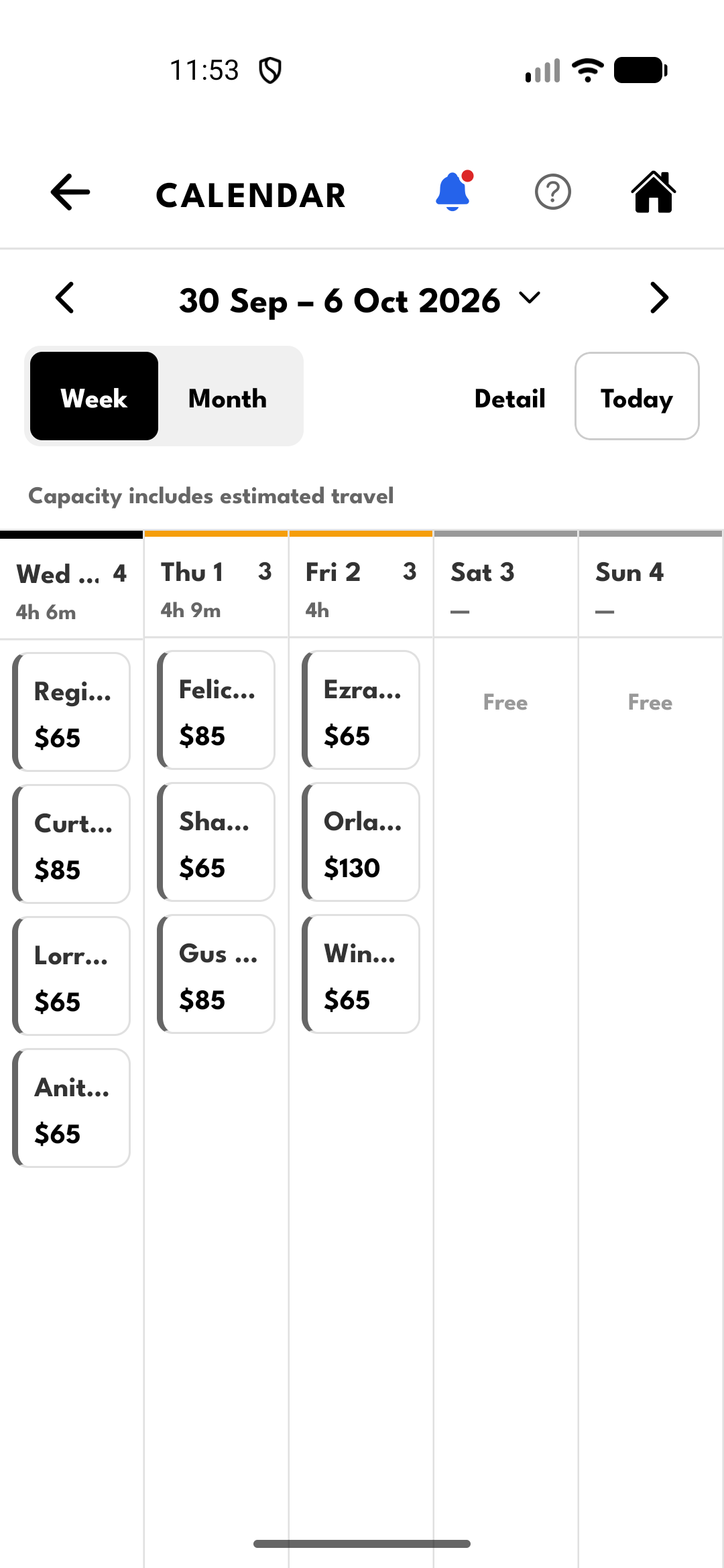
Sample data 01 Plan the run
A full day.
One clear plan.See the week at a glance, put repeat clients on a recurring schedule, then open the day’s run sheet.
- Clients, addresses and job notes together
- Open the next address in your maps app
- Mark jobs done offline; they sync later
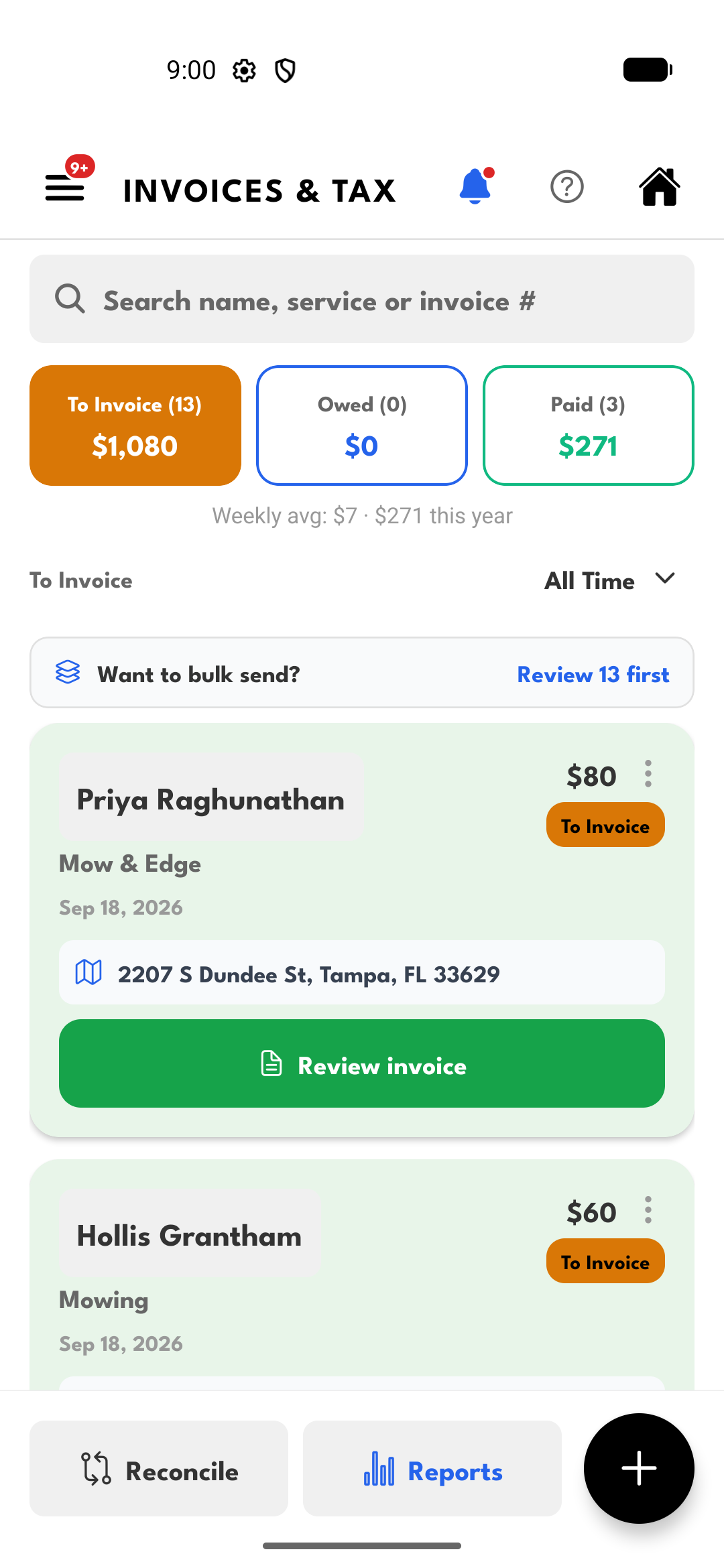
Sample data 02 Finish the job
Tools down.
Invoice sent.Turn finished work into an invoice without retyping the client, service and price.
- Send an invoice or share its payment link
- Clients pay online, or record cash and transfers
- Quotes and client details beside the work
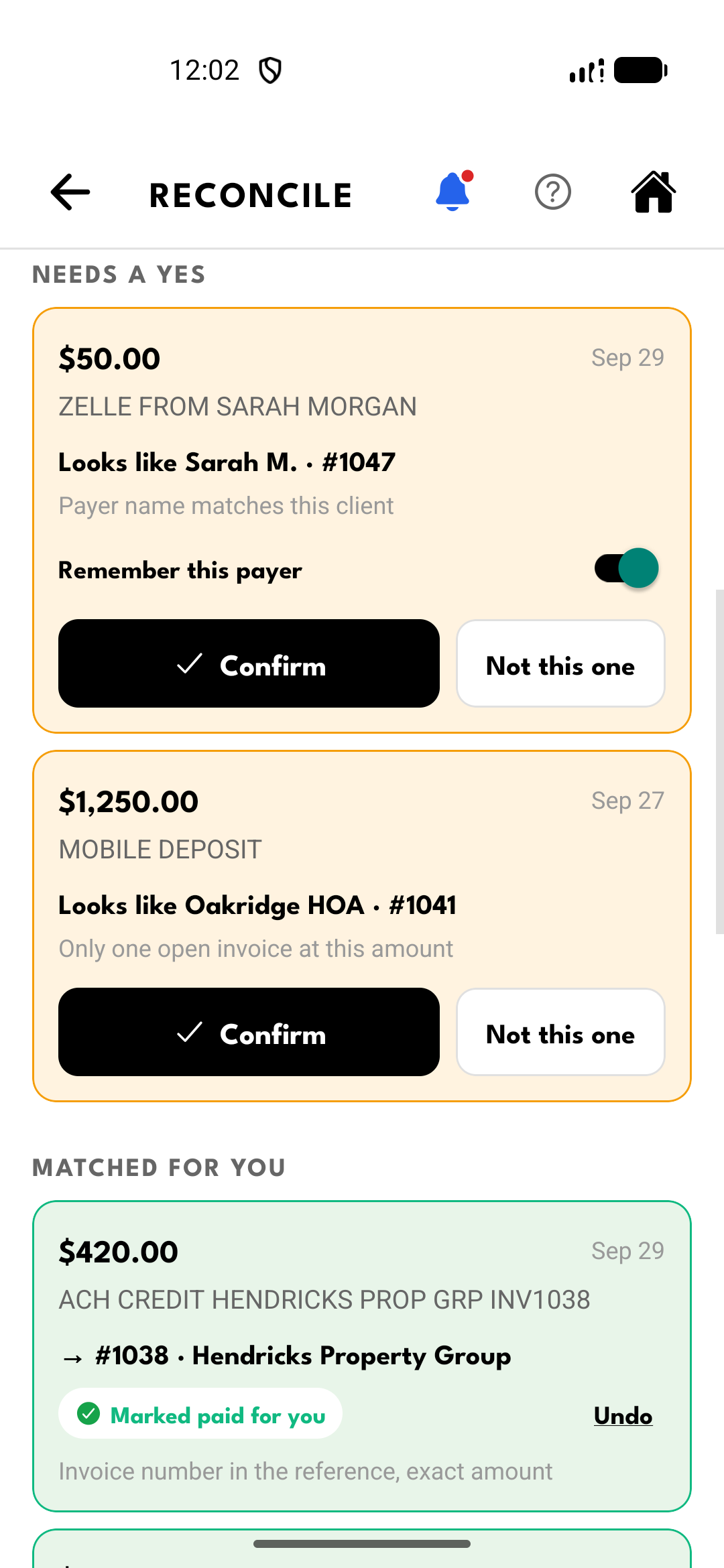
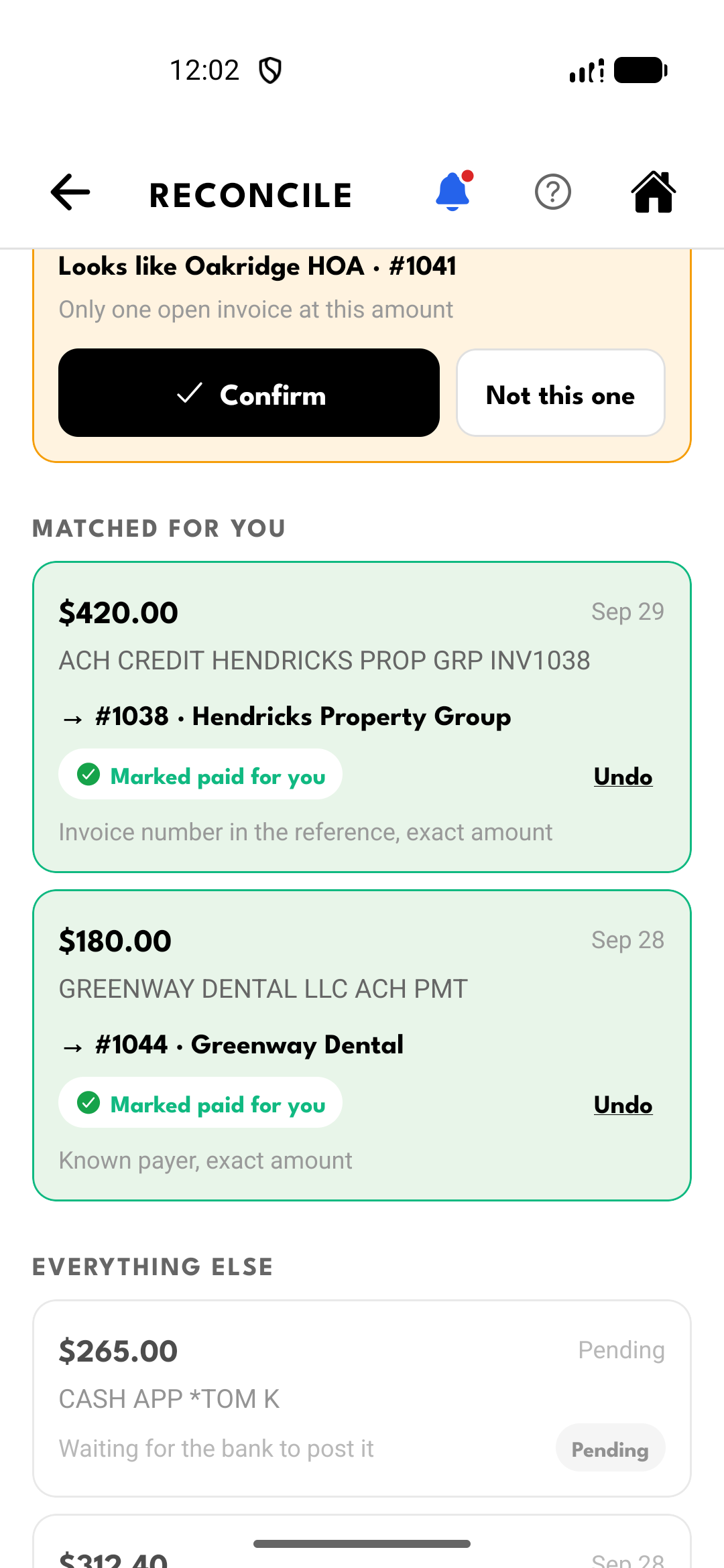
Sample data 03 Know what landed
Money in.
Invoice matched.SoloOp Paid brings incoming US bank transfers beside your invoices and matches them.
- Asks for your yes when a transfer needs checking
- Undo any match
- Read only: it never moves money
Bank Feeds · SoloOp Paid
A bank transfer shouldn’t mean another search.
Inside Bank Feeds
From deposit to paid invoice.
See the bank activity, confirm Sarah's suggested invoice, then watch her next payment match automatically. One walkthrough, from the first look to the result.
Sample data A recorded walkthrough, not a live customer bank connection.
Your bank connects through Stripe Financial Connections, and SoloOp only reads the transactions: it never moves money. Disconnect in the app at any time and SoloOp deletes its copy of your bank data.
SoloOp in numbers
900+invoices paid
1,800+jobs done
Built by an operator, for operators.
Still mowing. Still building.
Paid invoices and jobs marked done, counted across SoloOp’s US and Australian businesses on 24 October 2026, not including SoloOp’s own test accounts.
From the inbox
What operators
write back.
Real emails to Nathan, as they arrived. Names, businesses and contact details are blacked out.
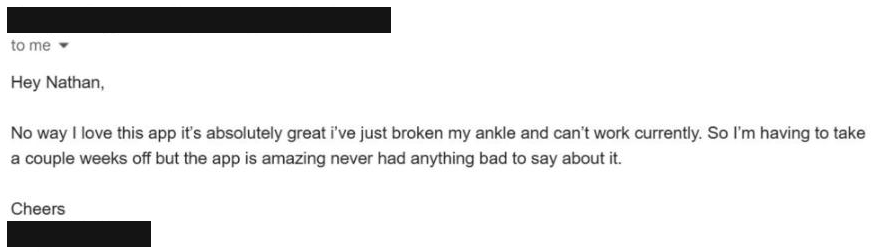
Lawn and garden operator, New ZealandEmail, 23 October 2026 
Yard maintenance business, AustraliaEmail, 28 September 2026 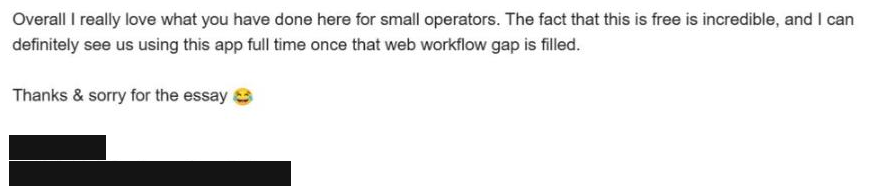
Lawn mowing and gardening business, CairnsEmail, 12 June 2026
The business record follows the work.
Client history, quotes and expenses stay with the jobs that made them. Open any screen for a closer look.
Sample data Reports opens from Invoices. Swipe to browse, tap to enlarge.
Addresses, notes, quotes and invoices stay with the client.
Expense records and receipts sit with the rest of the business.
A read-only portal of their own, instead of another export.
SoloOp Free vs SoloOp Paid
Start free.
Add Paid later.
When you want the bank to do the matching, it’s US$29/month.
- Price
- Free$0/month
- PaidUS$29/month
- Run the business
- FreeScheduling, invoicing, quotes, client tools and expense records
- PaidEverything in Free
- Bank transfers
- FreeManual bank-statement matching
- PaidAutomatic US Bank Feeds and transfer matching
- Mileage
- FreeNot included
- PaidMileage tracking · trips, miles and monthly summaries
- Client texts
- FreePrepared in SoloOp, sent from your own phone
- PaidConfirmations, reminders and invoices sent from SoloOp’s US number · 250 credits/month
- Online payments
- FreeOnline payment processing fees apply
- PaidLower US card and ACH processing fees
No card. The core app stays free.
Launch price: US$29/month. Keep your launch rate while continuously subscribed to the same plan. Cancel anytime.
Comparing with Jobber or Housecall Pro?
A few things
worth knowing.
Read all FAQs Can I bring my clients across?
Yes. Import a CSV or Excel (.xlsx) file, a PDF, or a photo of your client list. Do it in the app, or sign in on the web and use Import clients.
Is there a contract?
No. SoloOp Free is $0/month and needs no card at signup. Paid is month to month at US$29; cancel any time from Your plan in your account, and the free tools keep working.
Who do I talk to if something breaks?
Open Help in the app and tap Talk to a Human; replies come from SoloOp Support. You can also email support@solo-op.com.
Is connecting my bank safe?
Your bank connects through Stripe Financial Connections, and SoloOp only reads the transactions: it never moves money. Disconnect in the app at any time and SoloOp deletes its copy of your bank data. How the bank connection works.
What about Android?
SoloOp is on Google Play for Android phones and tablets. On iPhone, get it from the App Store. Sign in with the same account on either.
What’s free and what’s paid?
SoloOp Free runs the business for as long as you like: schedule, clients, quotes, invoices, payment records, exports and crew logins. SoloOp Paid (US$29/month) adds automatic US Bank Feeds and transfer matching, mileage tracking, texts sent from SoloOp’s US number (250 credits a month), and lower US card and ACH processing fees. Compare plans and fees.
Start with the work you do today
Bring your next job
into SoloOp.
No card. The core app stays free.


SoloOp Paid also texts your clients for you: appointment confirmations, reminders and invoices from SoloOp’s US number, with your business name and 250 credits a month.
Running your business in Australia? See SoloOp for Australia →
Questions? support@solo-op.com