For Arizona lawn care operators
Your Arizona run.
Under control.
Schedule mowing, landscape maintenance and irrigation visits, then invoice the work from the same app. Free scheduling, invoicing and client tools, together on your phone.
Free core tools. US Bank Feeds and lower US payment fees with SoloOp Paid.
Plan the run
Route planning for Arizona.
Phoenix metro sprawl is massive. Without route optimization, you're burning gas and time driving between spread-out subdivisions. SoloOp clusters your jobs tight.
SoloOp’s Gravity scheduling suggests which day a new job fits, using proximity, capacity and your existing work. Review your daily run on the map, then collapse it when you want more room for the job list.
When plans change
Handle Arizona weather.
When heat or monsoon weather changes your plans, review the jobs that need moving and let clients know their new dates.
Rained out? opens Move jobs. Choose visits, then use Tomorrow, and push the rest along to move to the next working day, with a cascade capped at 14 days, or Find the best free spots to look for room near your other jobs over the next 7 days. Later fixed appointments are not pushed along. Review the plan before confirming.
After the move, Tell these clients opens a message for you to review and send. Undo needs internet and is unavailable when future visits in a series are rebuilt.
Core job details remain available offline. Moving jobs, optimising routes, sending invoices and taking payments need a connection.
After the job
Send the invoice. Keep the record.
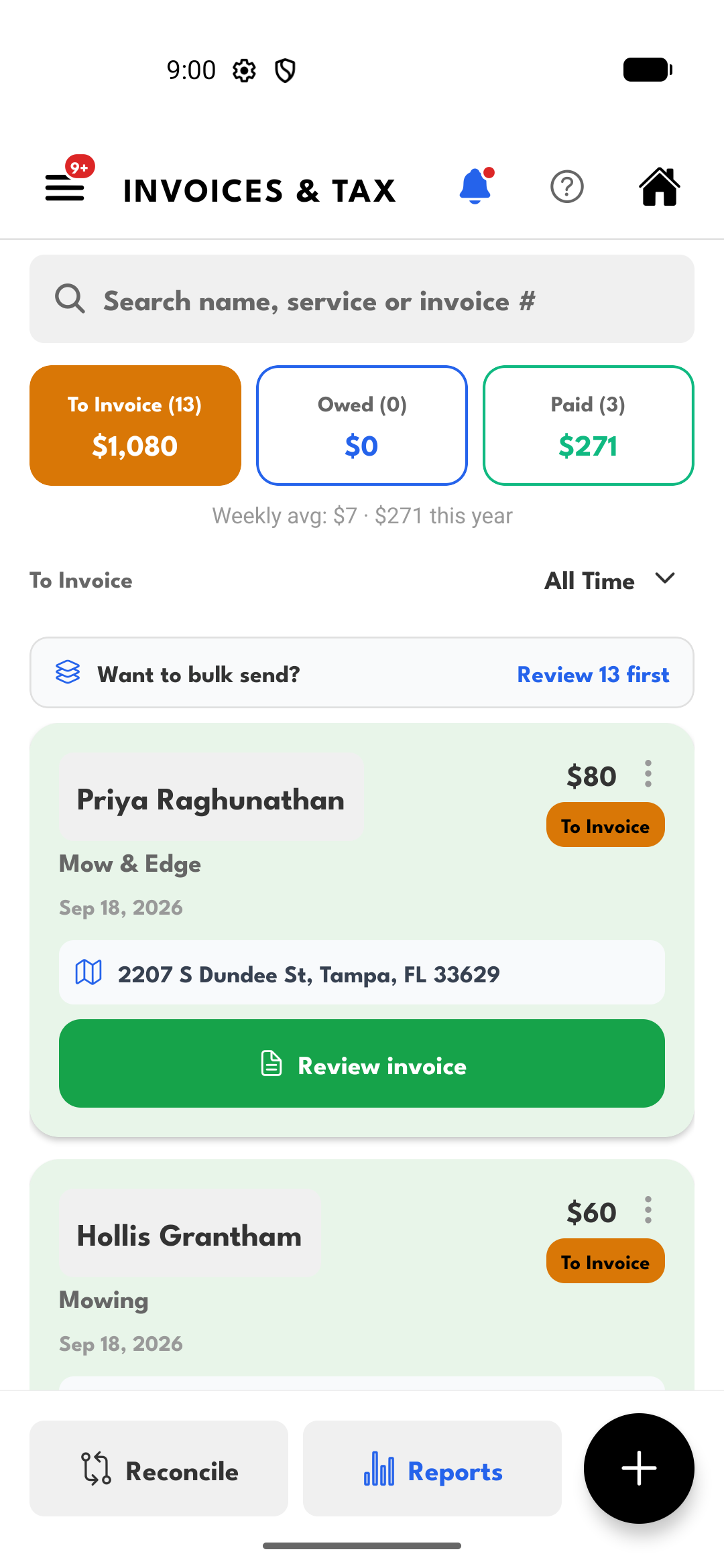
Send clients an invoice link from your phone. They can open it and pay without installing the app. For recurring visits, AutoPay lets clients approve automatic payments.
Sales tax depends on your state and local rules. In SoloOp you set your own tax rate and it appears on every invoice. Confirm what applies in Arizona with your accountant.
Keep expenses and payment records together. Your accountant can sign in to the accountant portal to access your records directly. CSV exports are also available.
Free core. More with SoloOp Paid.
Scheduling, invoicing, client records and bank-statement uploads stay free. Online payment processing fees apply. See fees by region.
SoloOp Paid adds US Bank Feeds, Mileage and lower US payment fees at a launch price of US$29/month. SoloOp-sent SMS is coming soon. Compare plans →
Free core tools
For the whole working week.
- Recurring job schedules
- Route planning
- Invoices and payment links
- AutoPay for approved clients
- Rain day rescheduling
- Client portal
- Expense records
- Crew support
- Overdue payment reminders
- Bank-statement uploads
Working across Arizona.
The same scheduling and invoicing tools work wherever your route takes you in Arizona. Some of the cities and areas operators work in:
- Phoenix
- Tucson
- Mesa
- Scottsdale
- Chandler
Put your next Arizona job in SoloOp.
Free scheduling, invoicing and client tools. Start on iPhone or Android.