Payments for recurring jobs
Stop chasing payments. Start getting them.
You know the cycle. You mow the lawn. You send the invoice. You wait. You send a reminder. You wait some more. Then the text: "Sorry, been busy. I'll pay you next week." AutoPay ends that cycle.
Free core tools. US Bank Feeds and lower US payment fees with SoloOp Paid.
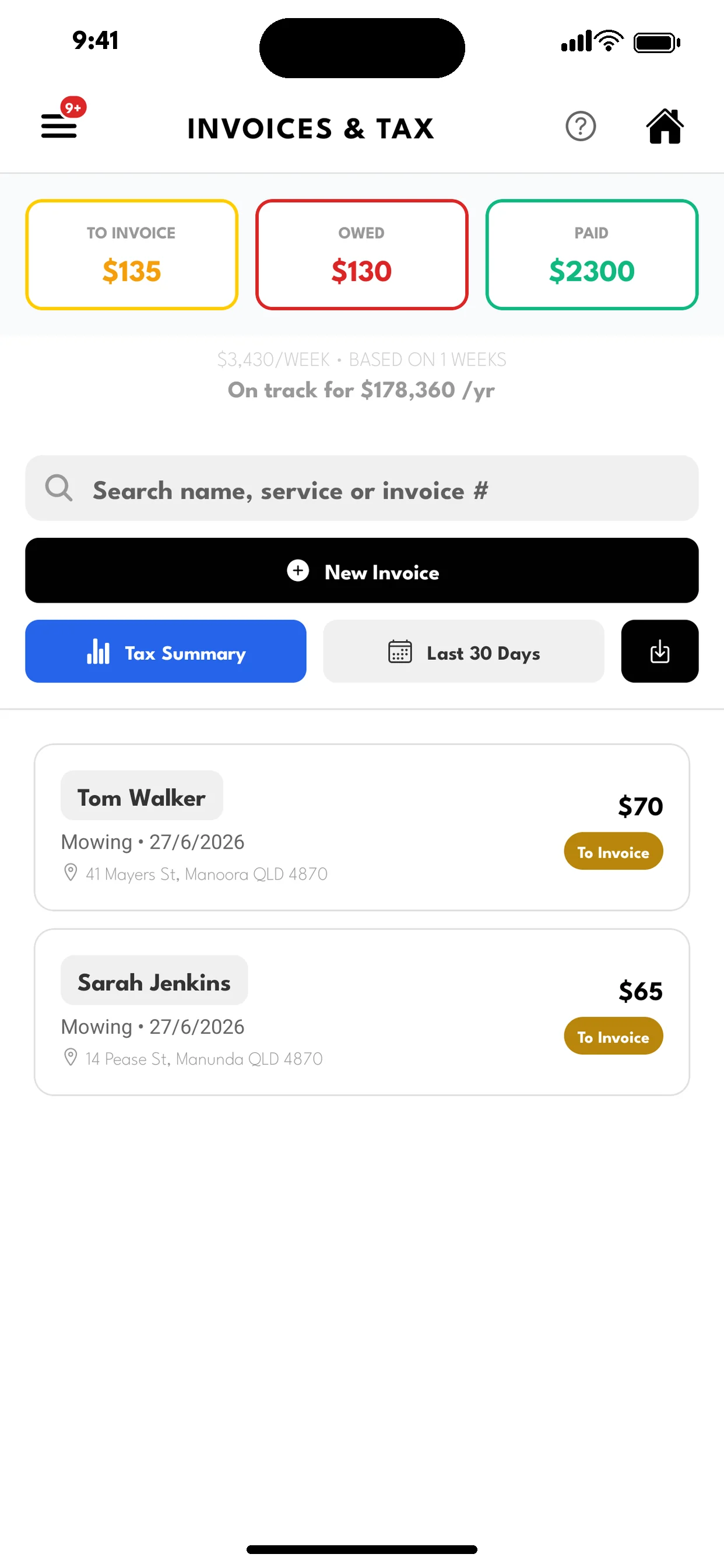
How AutoPay works.
Client approves once
You send an AutoPay invite with a per-payment limit you've set. Your client chooses how to pay — card or bank debit (PayTo in AU, ACH in US, Bacs in GB, PAD in CA) — and approves the setup. One-time.
You finish the job, tap "Charge"
That's it. No invoice to send. No link for them to click. No reminder to set up. The payment is processed automatically through Stripe.
Review the payment status.
Your client receives a receipt after a successful payment. Check the payment status in SoloOp; settlement times vary by method.
Your clients are protected.
This isn't a blank check. You set a per-payment limit for each client. A $60 job is within a $200 approval limit; the payment still needs to succeed. If something's over the limit, it won't — you'd need to adjust the limit or send an invoice link instead.
They can deactivate AutoPay from their client portal. Payments go through Stripe; you do not see their full card number.
That trust is why AutoPay works. Your clients aren't nervous about it. They're relieved they don't have to remember to pay you.
Perfect for recurring clients.
If you mow the same lawns every week or every two weeks, AutoPay changes everything. No more sending 30 individual invoices every week. No more tracking who's paid and who hasn't. No more reminders.
You just do the work. Tap charge. Move on.
Running high volume? SoloOp's "Review & send" workflow lets you review the invoices, then charge approved AutoPay clients and send invoices to the rest. See how invoicing works →
What it costs.
AutoPay is included in SoloOp — no extra charge, free core tools. Online payment processing fees apply, with rates and caps depending on the region and payment method. Rates vary by region — see pricing. Australian businesses absorb these fees from 1 October 2026. Other regions can choose to pass or absorb them.
Cash and direct bank transfers recorded manually have no SoloOp processing fee. AutoPay is there when you want it, not required.
Built for operators. By an operator.
AutoPay is just one piece of SoloOp. Scheduling, route optimization, rain day rescheduling, crew support, offline mode — everything your operation needs, nothing it doesn't. See everything SoloOp does →
Free core. More with SoloOp Paid.
Scheduling, invoicing, client records and bank-statement uploads stay free. Online payment processing fees apply. See fees by region.
SoloOp Paid adds US Bank Feeds, Mileage, texts sent from SoloOp’s US number and lower US payment fees at a launch price of US$29/month. Compare plans →
Start with your next job.
Free scheduling, invoicing and client tools. Start on iPhone or Android.