For handymen and small repair businesses
Odd jobs. One place for all of them.
A fence panel on Monday, a leaking tap on Tuesday, a deck stain the week after. Handyman work is mostly one-offs with a few regulars. SoloOp quotes them, books them, keeps the receipts and gets you paid without a second app.
Free core tools. US Bank Feeds and lower US payment fees with SoloOp Paid.
From "can you look at this" to booked.
Send a quote with the labour and materials as line items. The client taps Accept and the job is on your calendar at that price. The strata that wants you monthly goes on a repeat and comes round on its own. Gravity scheduling suggests the day that fits around the jobs you already have nearby.
Receipts, mileage and the photo of the finished job.
Photograph the hardware-store receipt and SoloOp reads it into your expenses. In the US, SoloOp Paid tracks the miles between jobs for tax time; in Australia, Mileage is included. Photograph the finished repair and put it on the invoice so there's no argument about the state you left it in.
- Quotes with line items and an Accept link
- Expenses from a photo of the receipt
- Job photos the client can see on the invoice
- Card on file, charged when the job is done
Invoiced on the way out.
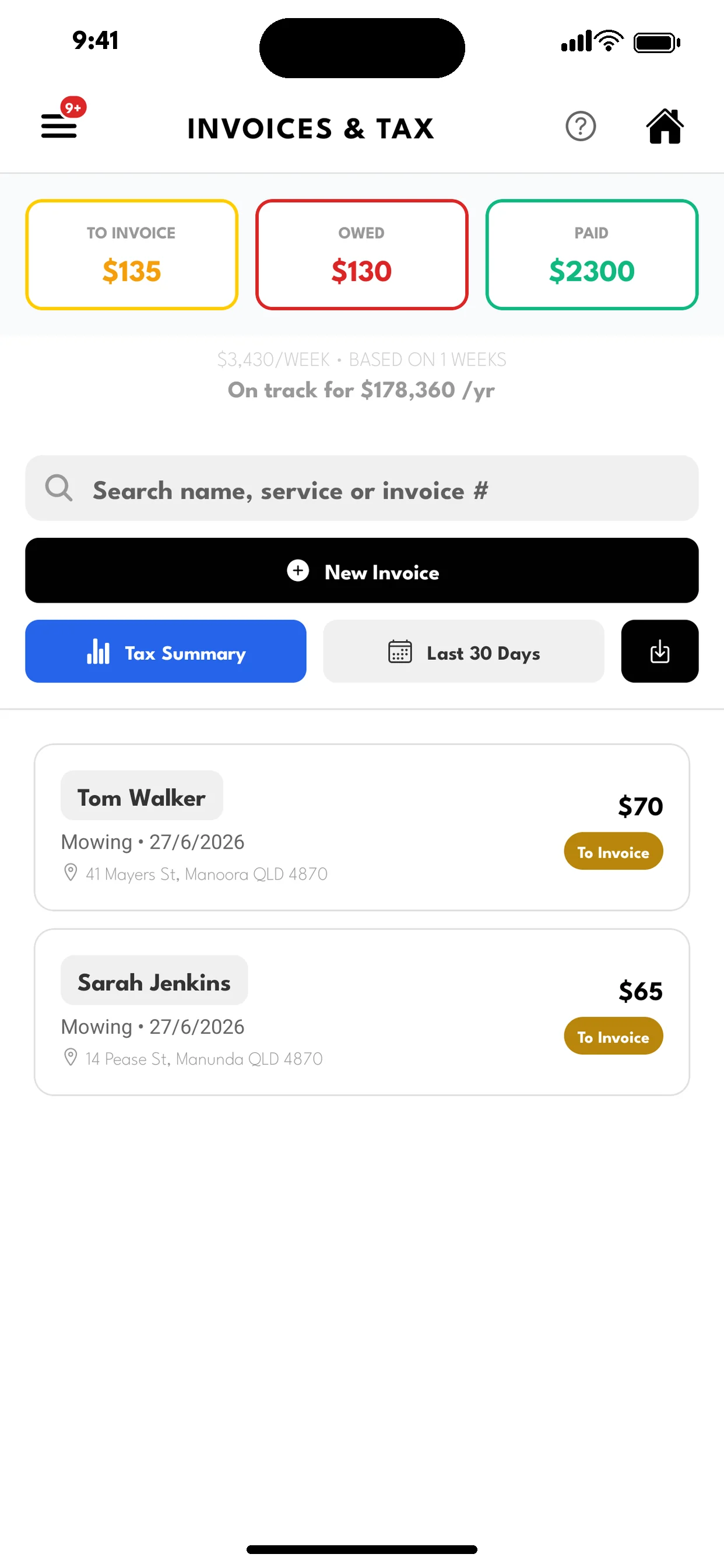
Mark the job done, check the price, send. Card or bank transfer from the link, or charge the card on file. Your accountant can see income and expenses in their own read-only portal, or take the CSV.
An offsider, a timer and the real cost of the job.
Take someone with you and give them a crew login: they see the day's jobs and mark them done, and the money stays with you. Automatic job timers record when each of you arrives and leaves the site, so the fence you quoted at three hours and finished in four shows up as four, on the job, where only you see it.
Hours go to timesheets and each shift shows what it earned, what it cost and the margin, next to the receipts you photographed in. The next fence gets quoted on what the last one really took.
Questions handymen ask.
- I buy materials for most jobs.
- Add them as line items on the quote and the invoice, and photograph the receipt into expenses so the cost is recorded against the business.
- Some clients want a card on file, some don't.
- Send the link only to the ones who do. Everyone else gets a payment link and your bank details on the invoice.
- Can I run it with one offsider?
- Give them a crew login. They see the day's jobs and can mark them done; the money stays with you. Automatic job timers clock you both in and out at each site, so you see what the job took against what you quoted.
- What does it cost?
- The core app is free. Online payments carry processing fees by region. In the US, SoloOp Paid adds bank feeds, mileage, texts from SoloOp's number and lower fees for US$29 a month.
Free core. More with SoloOp Paid.
Scheduling, invoicing, client records and bank-statement uploads stay free. Online payment processing fees apply. See fees by region.
SoloOp Paid adds US Bank Feeds, Mileage, texts sent from SoloOp’s US number and lower US payment fees at a launch price of US$29/month. Compare plans →
Start with your next job.
Free scheduling, invoicing and client tools. Start on iPhone or Android.